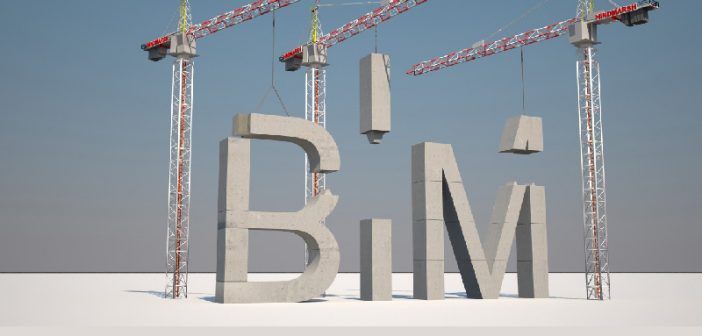
The construction industry increasingly uses digital tools to plan, design, coordinate, and manage building projects. One important approach is Building Information Modelling, commonly known as BIM.
If you are a civil engineering student, architect, engineering graduate, or construction professional, understanding BIM can help you explore modern digital construction workflows.
What Is Building Information Modelling?
Building Information Modelling is a process for creating and managing digital representations of buildings and infrastructure.
Unlike a drawing that shows only lines and dimensions, a BIM model can contain information about building components, materials, quantities, and relationships between different elements.
Depending on the project and software, teams can use this information to coordinate designs, identify potential conflicts, estimate quantities, and support project planning.
How Is BIM Used in Construction?
BIM supports different stages of a construction project.
1. Architectural Design
Architects can develop digital building models and coordinate architectural elements with other disciplines.
2. Structural Engineering
Structural teams can use coordinated models and related information to support structural design and collaboration.
3. Building Services Coordination
Mechanical, electrical, and plumbing teams can coordinate services with architectural and structural elements to identify potential clashes.
4. Quantity and Project Planning
BIM information can support quantity estimation, scheduling, and construction planning when the model and associated data are appropriately developed.
BIM vs AutoCAD: What Is the Difference?
AutoCAD is widely used for computer-aided drafting and technical drawings. BIM is a broader process that connects a digital model with information about building elements and project coordination.
The two are not necessarily competitors. AutoCAD remains useful for many drafting tasks, while BIM workflows can support information-rich modelling and collaboration.
Which Software Should You Learn for BIM?
Common tools used in BIM workflows include Autodesk Revit, Navisworks, and other discipline-specific or coordination tools.
The appropriate software depends on your chosen specialization, local employer requirements, and the type of projects you want to work on.
Learning software is only one part of BIM training. Students should also develop an understanding of construction drawings, building components, modelling standards, and coordination workflows.
Who Can Learn BIM?
BIM training may be relevant to civil engineering graduates, architects, architecture students, MEP professionals, and other learners with suitable technical backgrounds.
Entry requirements vary between training programmes and job roles. Beginners should check whether a course teaches foundational concepts before moving to advanced modelling.
How to Choose a BIM Training Institute
Before enrolling, review the syllabus, software covered, trainer experience, practical assignments, project work, and student support.
Ask whether you will complete a model or portfolio project that demonstrates what you have learned. Also confirm the system requirements and software access available during training.
Build Your BIM Skills With Structured Training
A BIM course can provide a structured way to understand digital construction workflows and develop practical modelling skills.
At Gcasto, prospective students can enquire about BIM training, course modules, practical projects, duration, and eligibility.
\ Get the latest news /